![LOGO BLUE.png]](https://knowledge.billiyo.com/hs-fs/hubfs/LOGO%20BLUE.png?height=40&name=LOGO%20BLUE.png)
Table of Contents
Quick Notes
- Click Here to learn about using the Billiyo chat with the caregiver
- Click Here to learn about using the Billiyo chat with the clinical app.
- With in-app messaging feature in Billiyo you can message an individual employee, create a group chat with multiple employees and send a message to all employees within your agency at once.
Web Portal
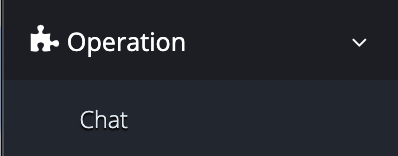
To access the in-app messaging feature on the web portal, in the left menu navigate to:
Operation > Chat
 |
Within this page you'll be able to:
Create and Send New Messages
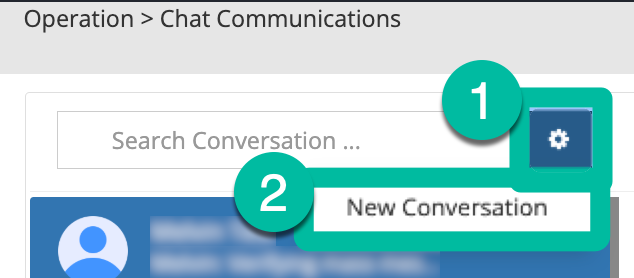
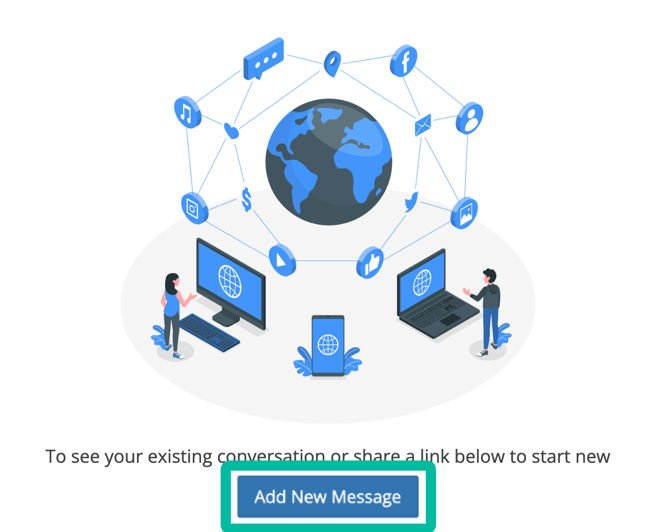
To create a new message you can either click on the  button and New Conversation or the
 button.
 |
 |
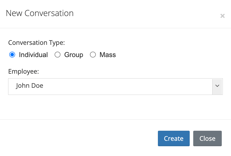
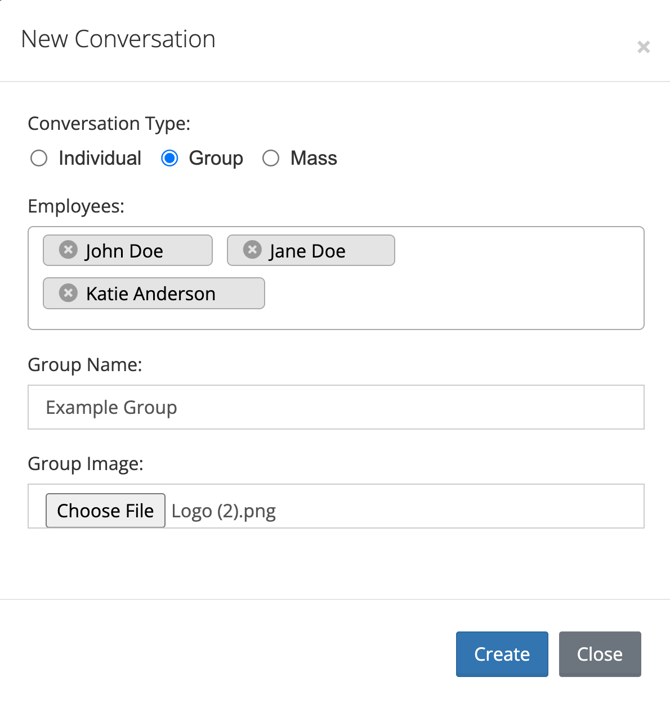
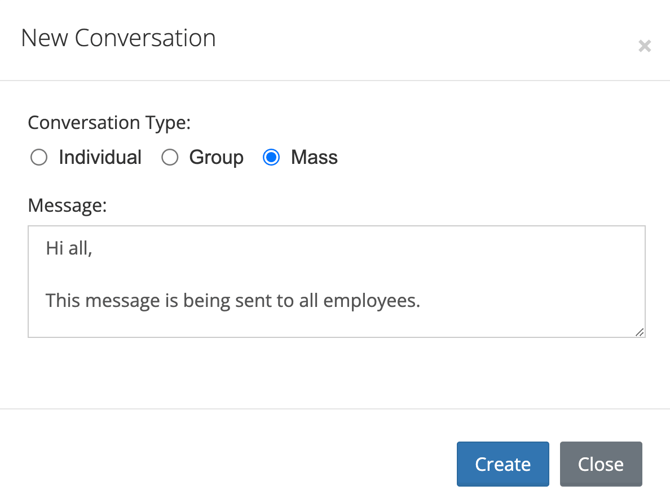
On the pop-up that appears, under the Conversation Type heading, select the type of message you'd like to create:
|
Individual |
 |
|
Group
|
 |
| Mass Send a message to all employees |
 |
For the Individual and Group conversation types, upon clicking the  button you'll be taken to a messaging screen where you can:
|
Type a message
|
|
| Send a document | 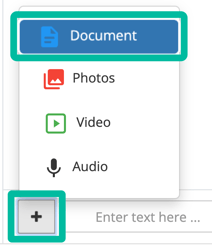 |
|
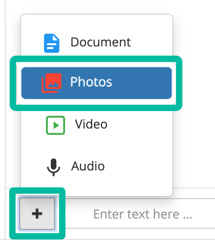
Send a photo
|
 |
|
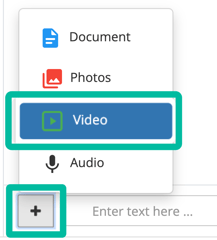
Send a video
|
 |
|
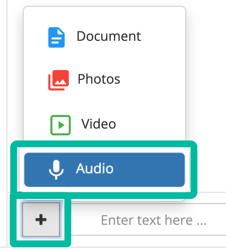
Send an audio recording
|
 |
 button to send.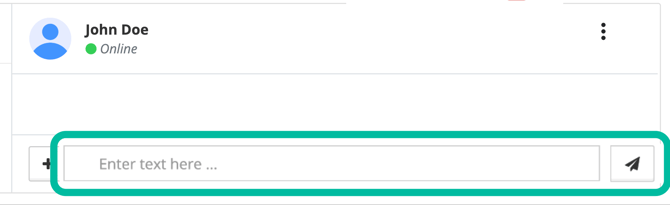
Review message history
Once conversations have been created, they'll appear in a list view on the left side of the screen.
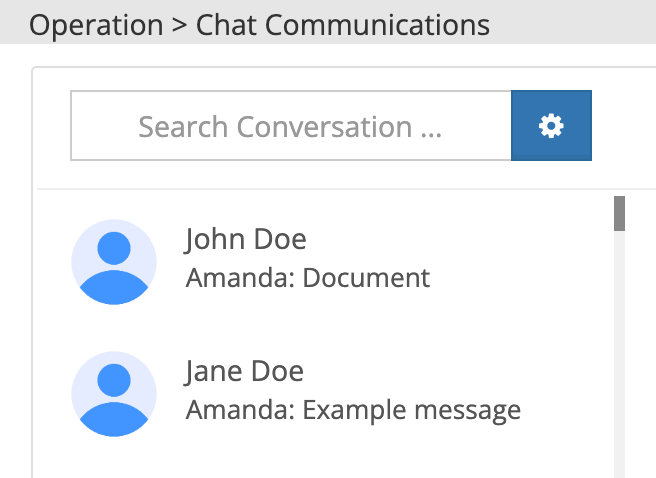 |
To read through a conversation, simply click on it. Doing so will open the conversation on the right side of the screen.
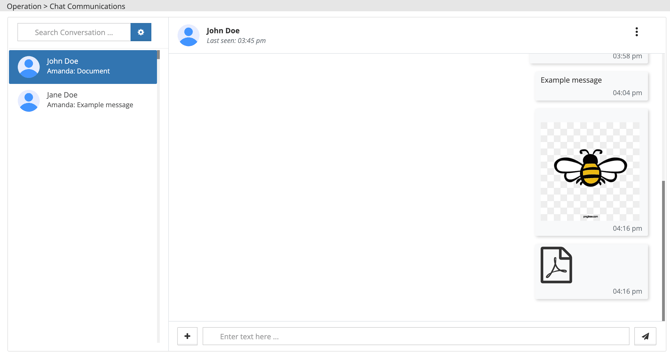 |
Take Action on Messages
As you're reviewing a conversation, you can respond and share content just as you did when creating the conversation.
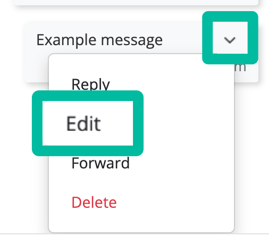
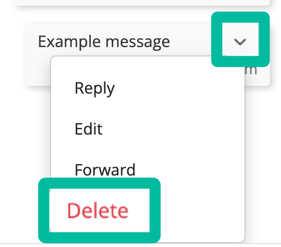
For messages that you've sent and received, you can also:
|
Reply
|
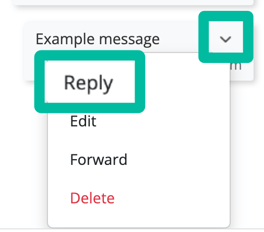 |
|
Edit
|
|
| Forward Share the message to another one of your chats |
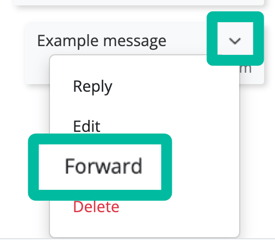 |
|
Delete
|
 |