![LOGO BLUE.png]](https://knowledge.billiyo.com/hs-fs/hubfs/LOGO%20BLUE.png?height=40&name=LOGO%20BLUE.png)
Before reading further, please make sure you understand to Billiyo Dynamic Report.
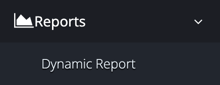
To create the report we need, we will first navigate to the Dynamic Report. To do this we will head to the left menu and navigate to the Dynamic Report page:
Reports > Dynamic Report
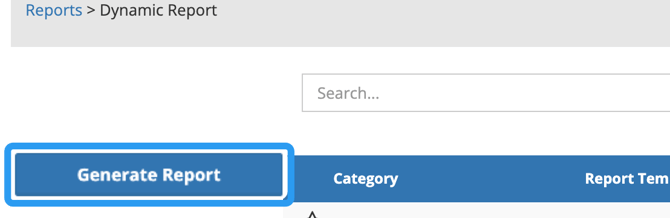
Within this page, click on the  button in the upper left corner of the screen.
|
To create a report that shows clients that are missing schedules, please select the following options:
|
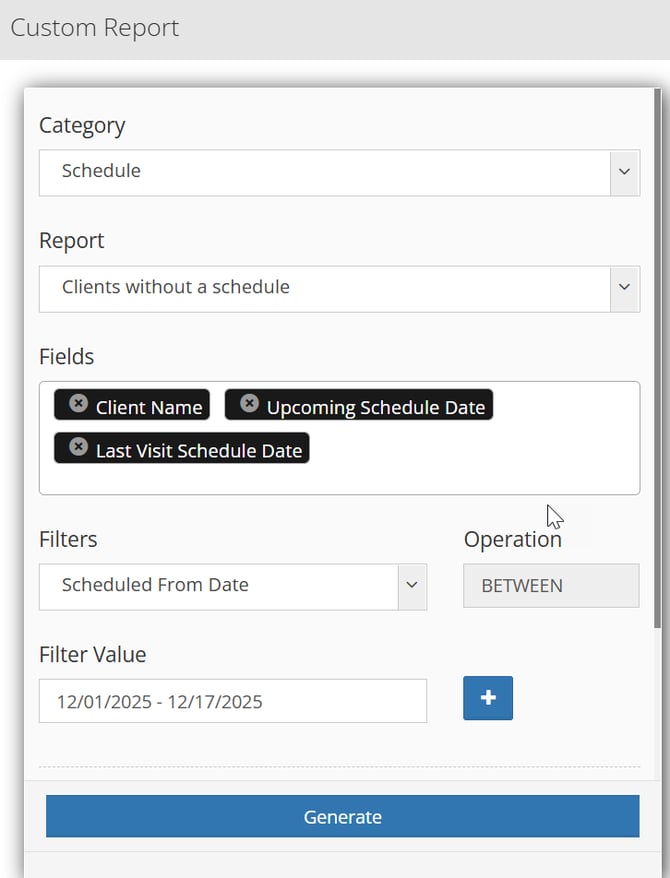
You can include additional fields if you want.
If you cannot find a field or filter you want, please contact you customer success manager.
After preparing your report, you can create it by hitting the blue "Generate" button.
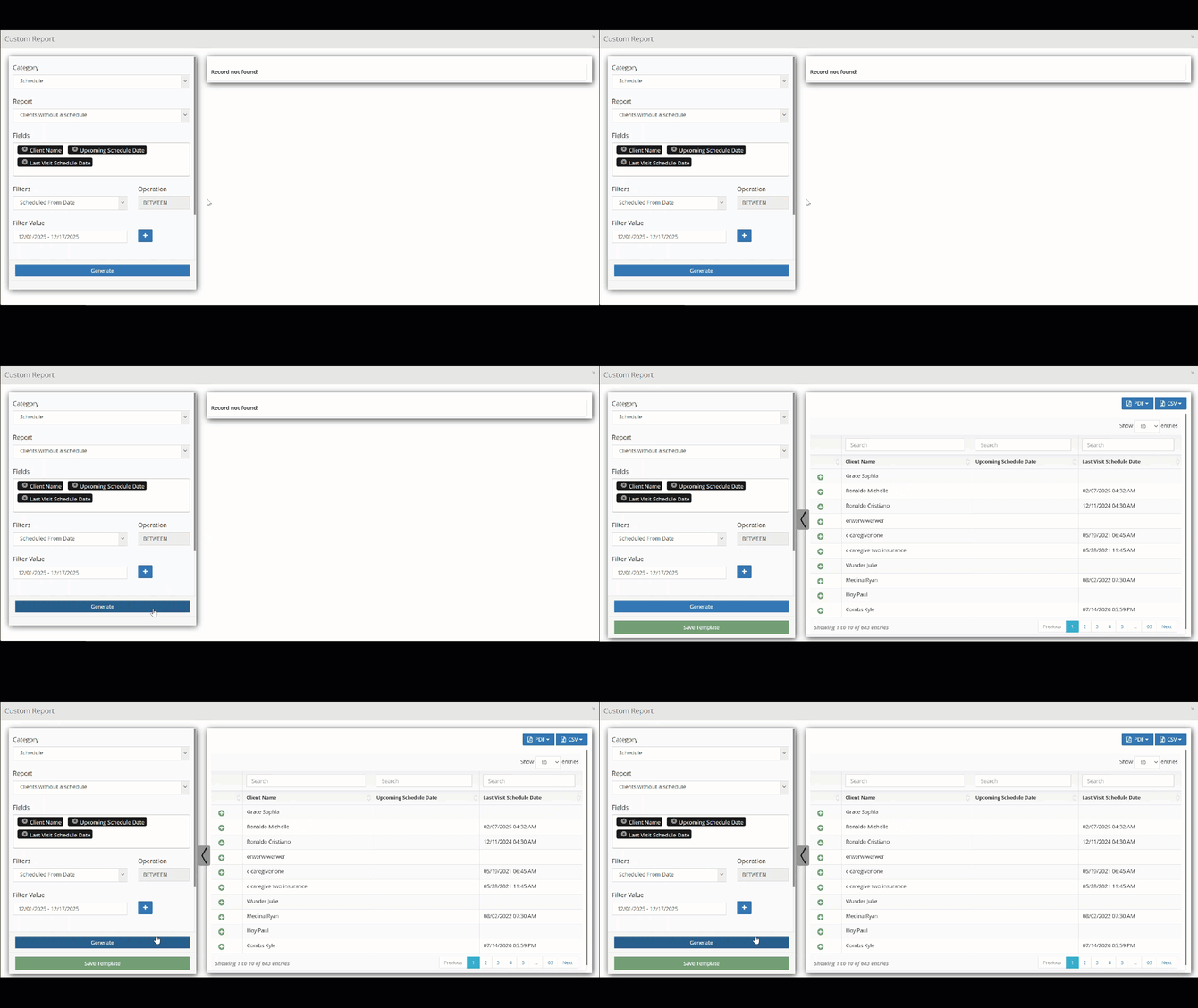
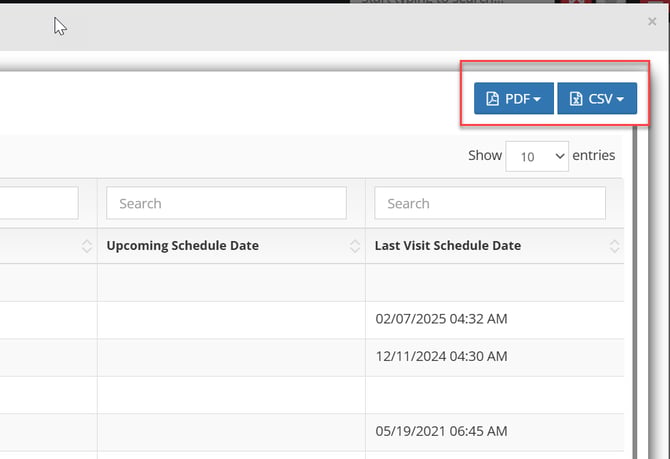
To download this report, we can use the PDF or CSV buttons on the top right of the screen.