![LOGO BLUE.png]](https://knowledge.billiyo.com/hs-fs/hubfs/LOGO%20BLUE.png?height=40&name=LOGO%20BLUE.png)
Before adding a document to the Adult Daycare app, you will need to have that document either downloaded onto your or available as a paper copy.
Currently, you cannot generate documents with the adult daycare app
Adding Documents
To add documents in the Adult Daycare, please tap into the "Documents" tab. 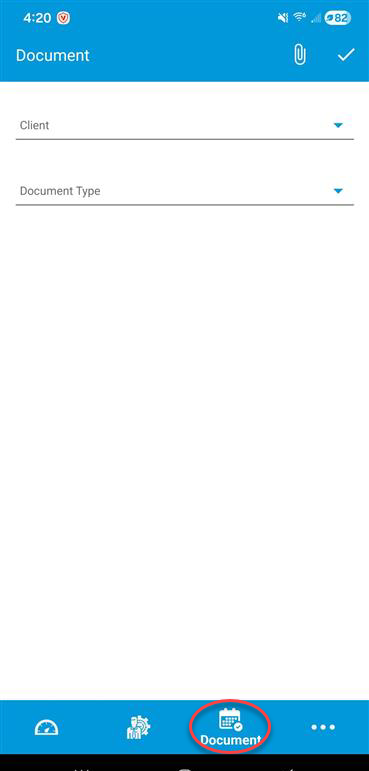
Then, in the page that appears, please select the "client" we are adding a document for.
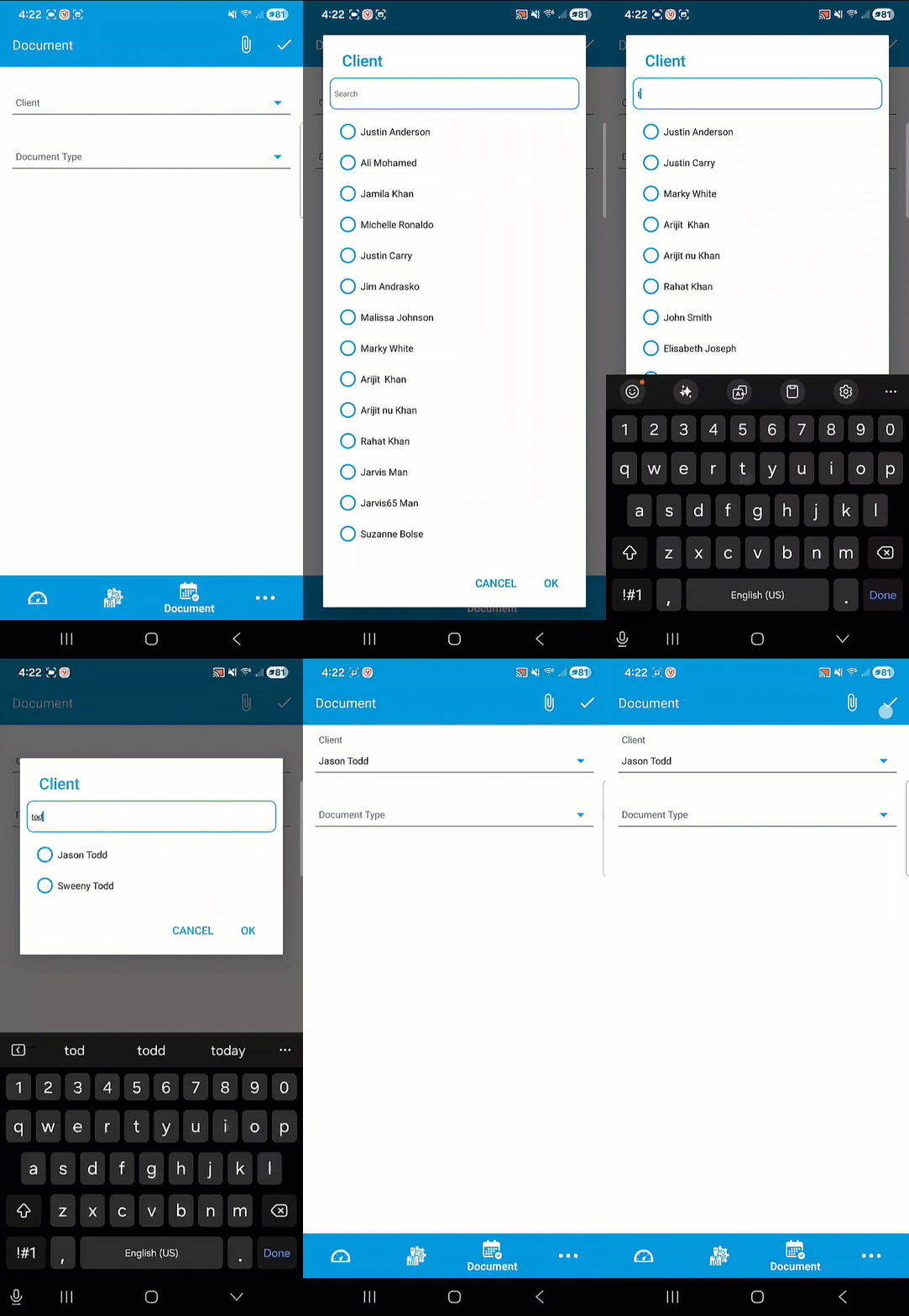
Next choose the document that you are adding. After selecting your document type, you will see a pop up that asks you to select a document type. This is where you can choose the the document you are trying to add to for the client.
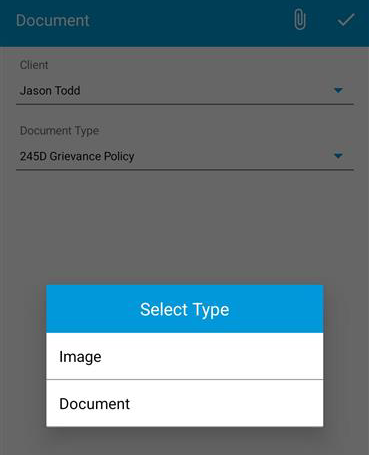
Image:
Use this option to select a photo of the document you would like to add.

You can use the camera icon in the top right of the page to take a photo of the document you would like to attach.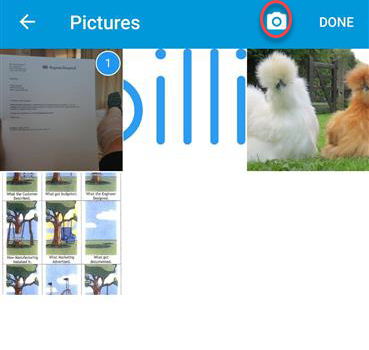
Document:
If you have the form you want to add for the client downloaded onto you device, then chose the "document" option. This will open up the files on your phone. From here you can choose the document would like to attach for the client.
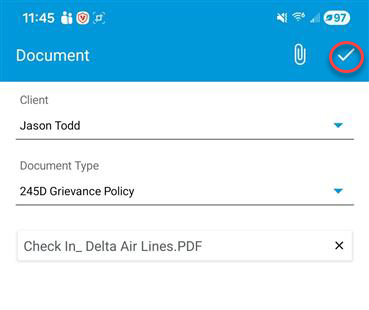
After selecting your document, you can save it to the clients profile bu hitting the white plus sign to the top right of the screen.