![LOGO BLUE.png]](https://knowledge.billiyo.com/hs-fs/hubfs/LOGO%20BLUE.png?height=40&name=LOGO%20BLUE.png)
To Document a wound click on the skin conditions or integumentary assessment portion of a visit note.
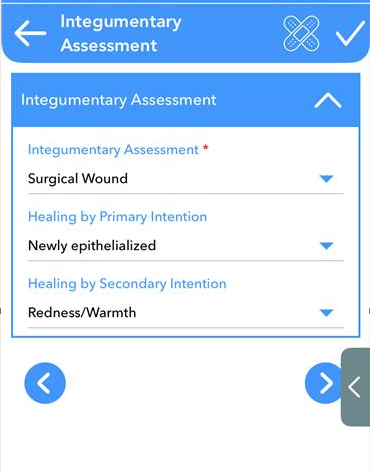
Then click on the bandage  .
.
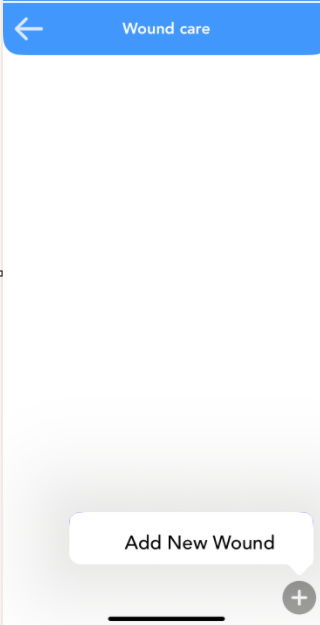
Add a new wound by clicking on the plus sign.
Then click "Add New Wound".
Here you will tap on the location of the wound.
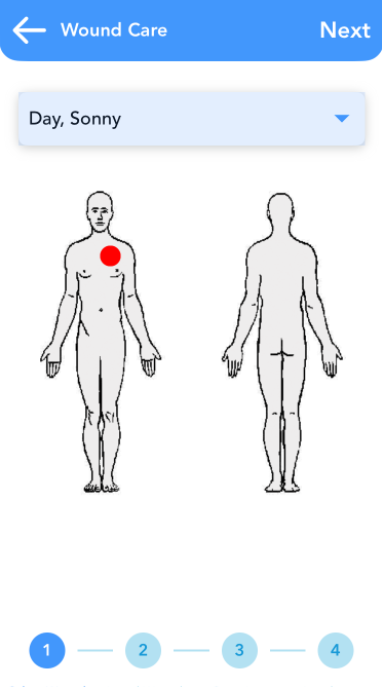
Click  .
.
The next page offers you an opportunity to upload a picture of the wound.
To upload a picture tap on the bandages.
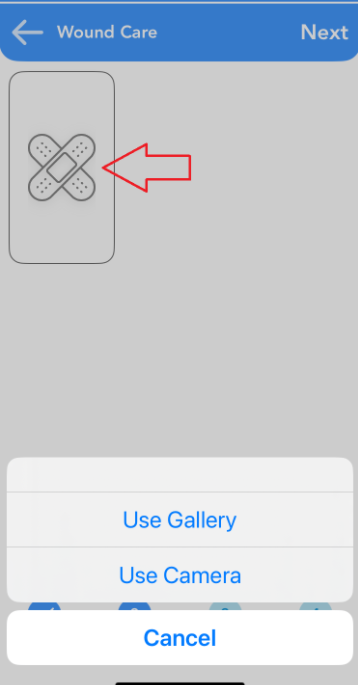
If you skip the upload or go to the next page you will be asked to enter remarks.
In the Next page you will be asked to give wound details.
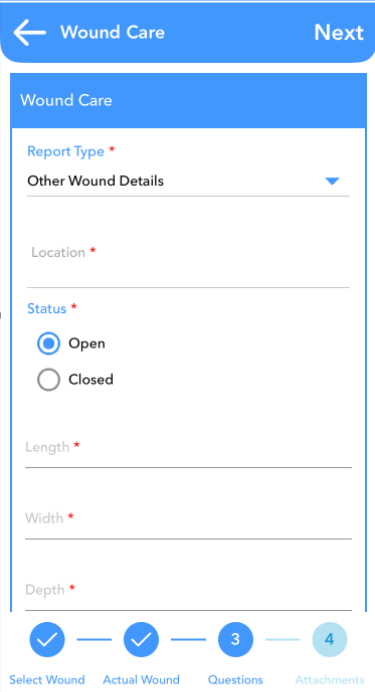
Below the description you will document the treatment performed.
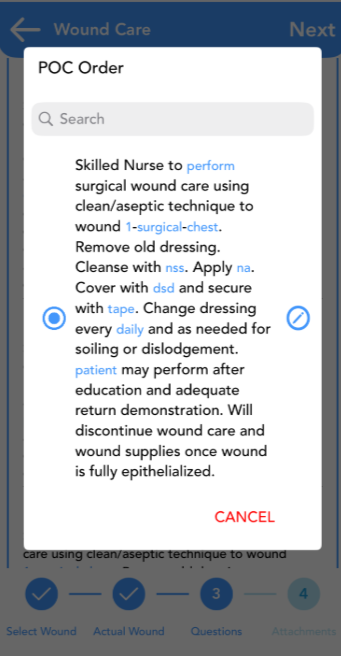
Next you will document the POC order, POC Goal, Interventions, Progress and Goals.
On the last page you will have to opportunity to upload any other attachments.
Click on the  .
.
Now you can upload the attachments.
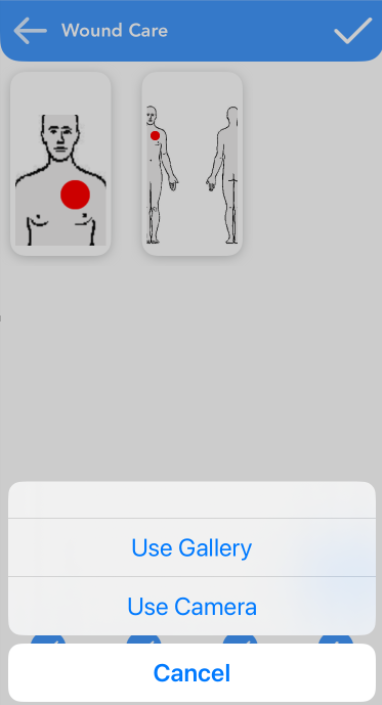
Once you have completed all 4 steps click on the  .
.
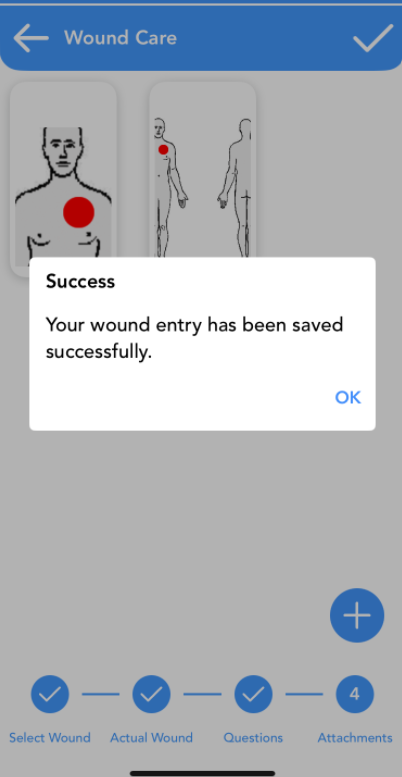
You will get a success message.