![LOGO BLUE.png]](https://knowledge.billiyo.com/hs-fs/hubfs/LOGO%20BLUE.png?height=40&name=LOGO%20BLUE.png)
This feature is currently in Beta Testing and only available to a few agencies.
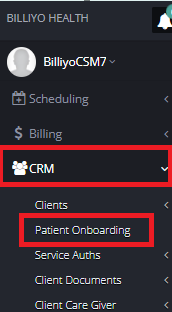
To get started head on over to CRM>Patient Onboarding.
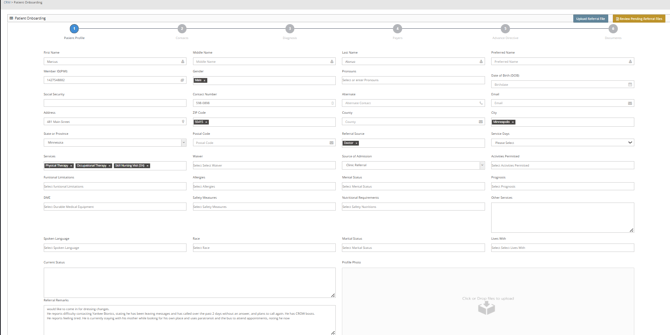
Here you will see two options at the Top Right of the Page.
The First Option is for Uploading a New Referral.
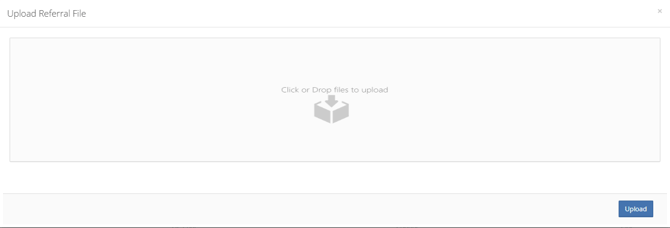
Here you will be taken to a Pop Up where you can Upload a File to automate the Patient Onboarding Process.
Simply Click or Drop and Drag to upload the File.
Then Click on the  button.
The First Step of Patient onboarding will auto Fill with Data from the Referral File that you uploaded.
Click  .
.
In Step 2 the Physician should Auto Fill from the referral Document
And Other Contacts should Auto Fill if Other Contacts were mentioned in the Referral.
Click .
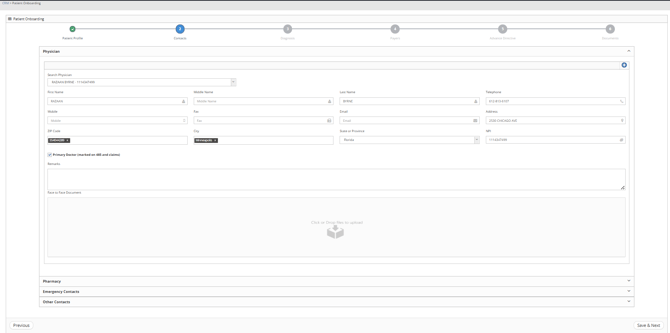
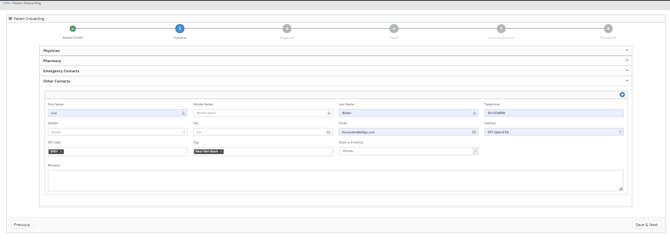
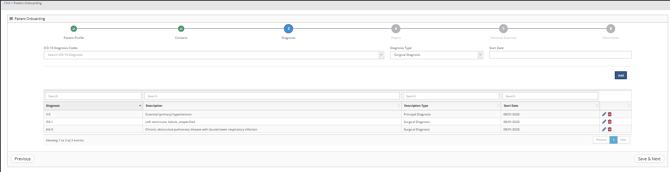
In Step 3 all Diagnosis should Auto Populate from the referral, if listed.
Click .
In Step 4 the Payer should auto Populate from the Referral.
Click .
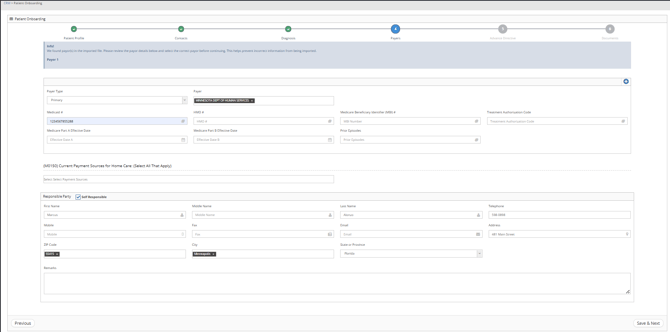
In Step 5 Advance Directives will appear based on the Referral File, you can also add them here.
Click .
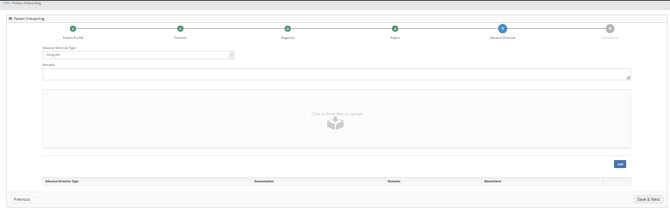
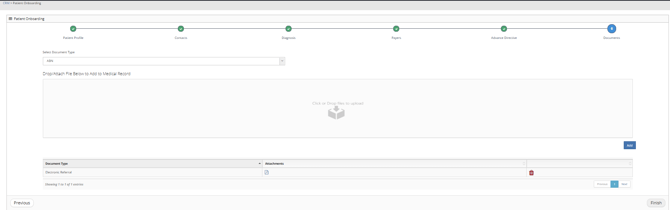
In Step 6 your referral will automatically be added as a document.
Feel free to upload additional documents in this step.
Click  .
.
Next you will be taken to the Patient Dashboard.
Make sure to change the Status to Pre Admission and search for the Patient. 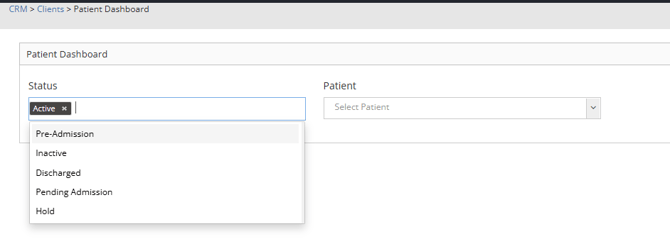
For our Communications Package Subscribers, you will also have the ability to Import the Patient Referral from the eFax transmissions. To learn more about becoming a Communications Package Subscriber reach out to your CSM.
Staying in the same page, our customers with eFax can Import Referrals.
Click on  .
.
Here you can choose to View the Attachment. .
Once you are satisfied that this attachment is a good referral for you to accept, you will choose  .
.
Choosing Import will Auto Fill the Steps as seen above.
If the Referral is not a good fit, you can choose  .
.
This will result in a Pop Up asking if you are sure you want to Decline. 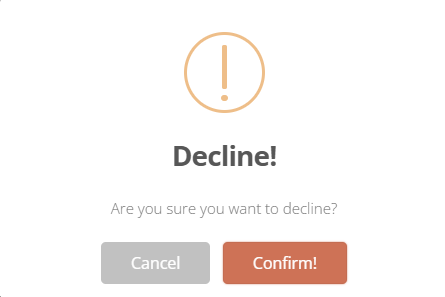
Click  to Decline.
This is a one way street and cannot be undone.
Click  to go back.