![LOGO BLUE.png]](https://knowledge.billiyo.com/hs-fs/hubfs/LOGO%20BLUE.png?height=40&name=LOGO%20BLUE.png)
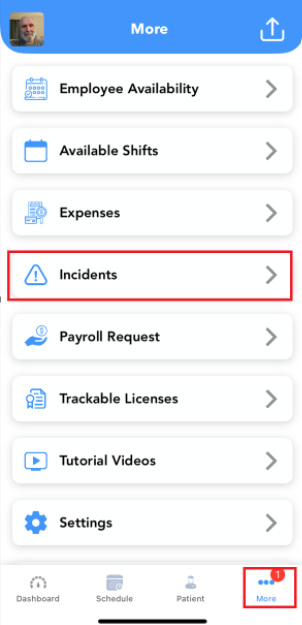
To get started head on over to the More Tab.
Click on Incidents.
If an incident report falls into the default filtered range, you will see them displayed here.
To filter by client and date range, click on the three lines at the top right of the page.
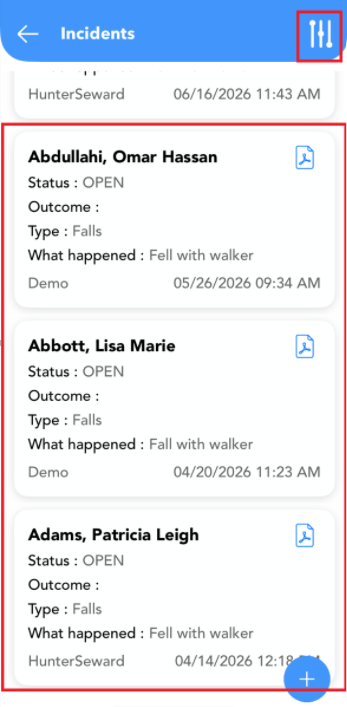
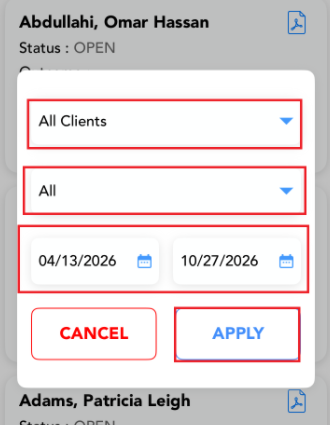
A Pop up will appear where you can filter by client, incident status and date range.
Once you have made your selections, click  .
.
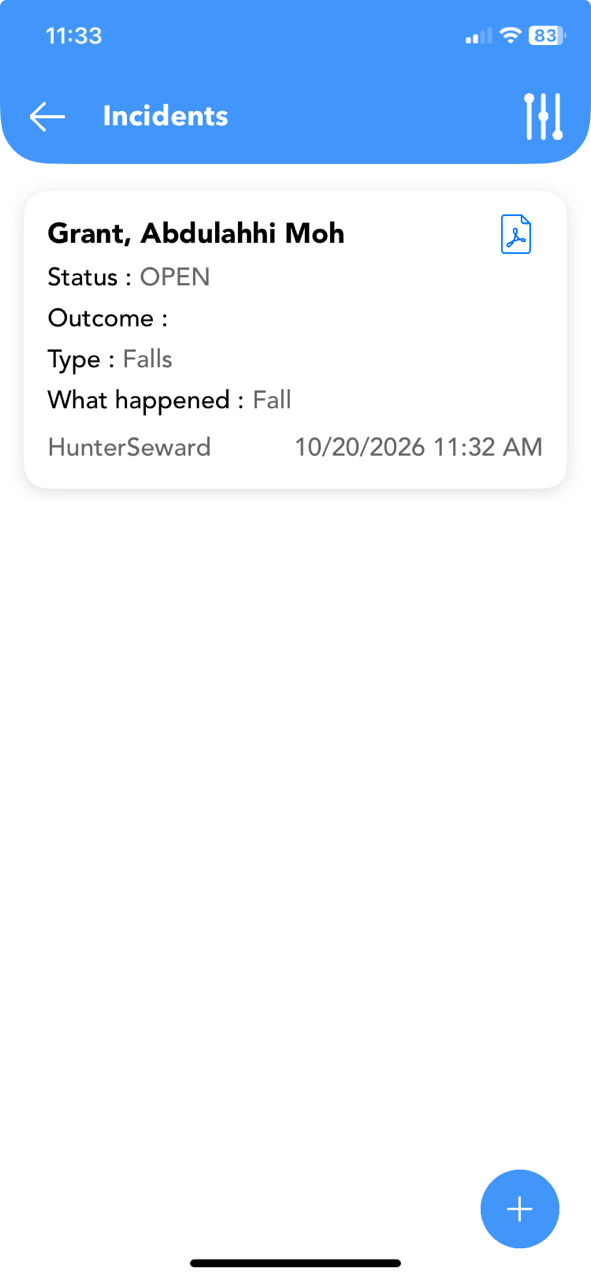
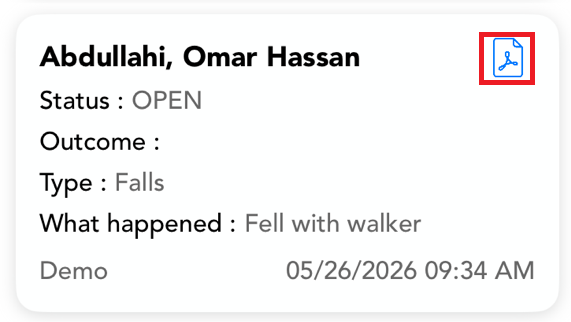
To view a PDF of the report, click on the PDF icon.
To begin an incident report click on the  .
.
Fill out each field.
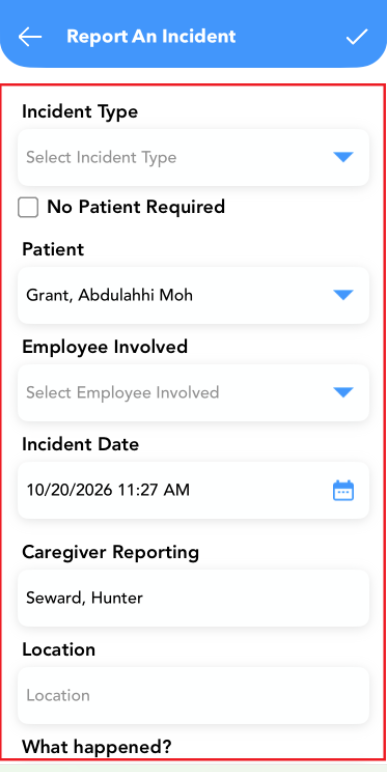
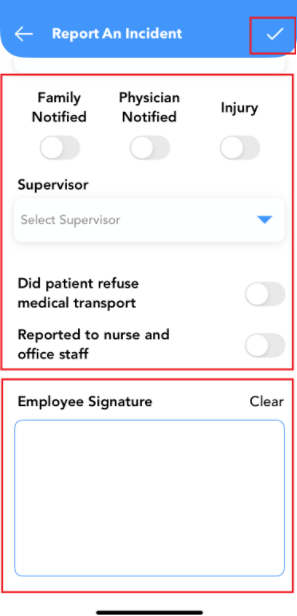
Once you have filled out every field sign and submit the report.
To submit the report click on the  .
.
Once completed the incident report will be displayed.