![LOGO BLUE.png]](https://knowledge.billiyo.com/hs-fs/hubfs/LOGO%20BLUE.png?height=40&name=LOGO%20BLUE.png)
Accessing the Company Settings Page
To access this page, head to More > Company > Company Settings in the left menu.
.gif?width=670&height=1080&name=Company%20Settings%20(2).gif)
The Employee Document Type Tab
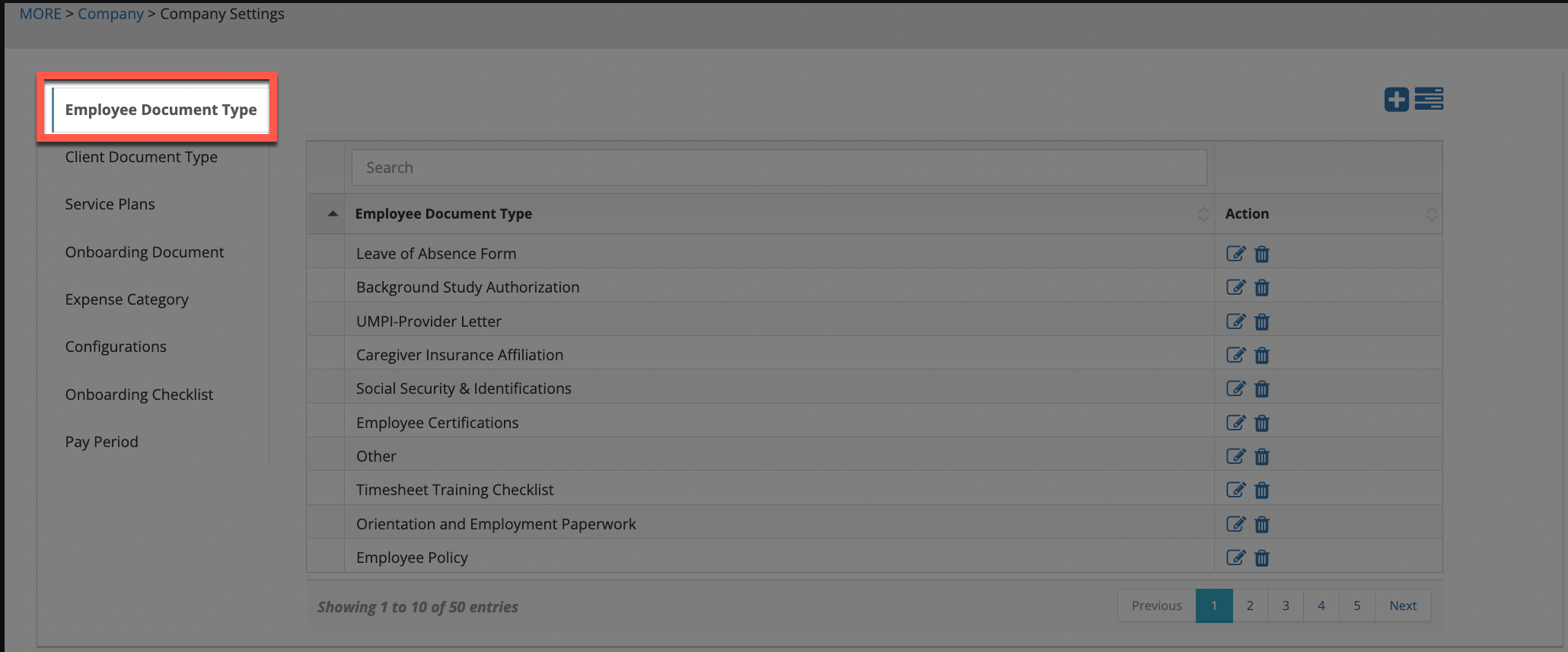
If you would like one a form digitized, please contact your Customer Success Manager
Within the company settings page, click on the Employee Document Type tab on the left side of the screen to view a list of any employee documents that have been digitalized for your agency.
To edit the name of a document, click on the pencil icon under the Action column in the document line.
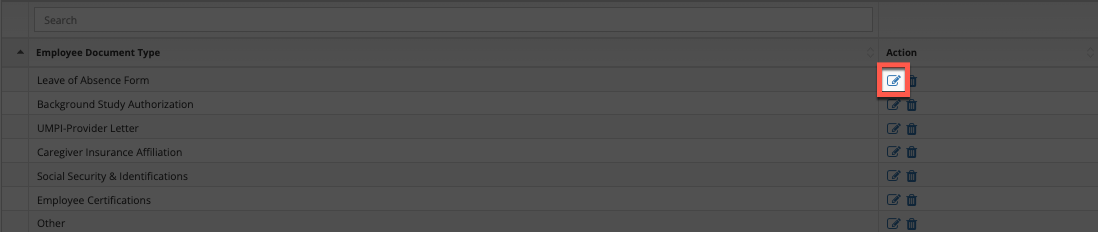
A pop-up will appear and the document name will show in the field under the Employee Document Type text. If any changes are made, click on the Save button.
Keep in mind that names will truncate if they are too long and no special characters are able to be added.
The option to delete a document will also appear, as a trash can icon under the Action column in the document line.
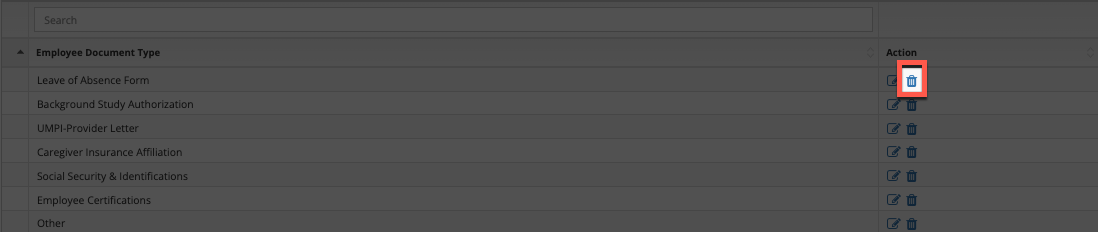
Clicking this icon, and confirming the deletion on the pop-up that appears, will entirely remove the document from the account.
If a document is deleted, the only way to get it back would be by talking with your Customer Success Manager about re-digitalizing it. Please know that you may need to resend the original file again, as a PDF or Word document, in this case.
Add Documents
When uploading a document under the Documents tab in an employee's profile, if the name of the document does not appear, coming to this screen will provide the option to add the document name. To add a document name, click on the + sign in the top right corner above the table.

Upon doing so, a pop-up will appear. In the field below the text Employee Document Type, input in the name of the document. Click the Save button to add the document name.
Keep in mind that names will truncate if they are too long and no special characters are able to be added.